
How to Access the iLEAD Portal Account
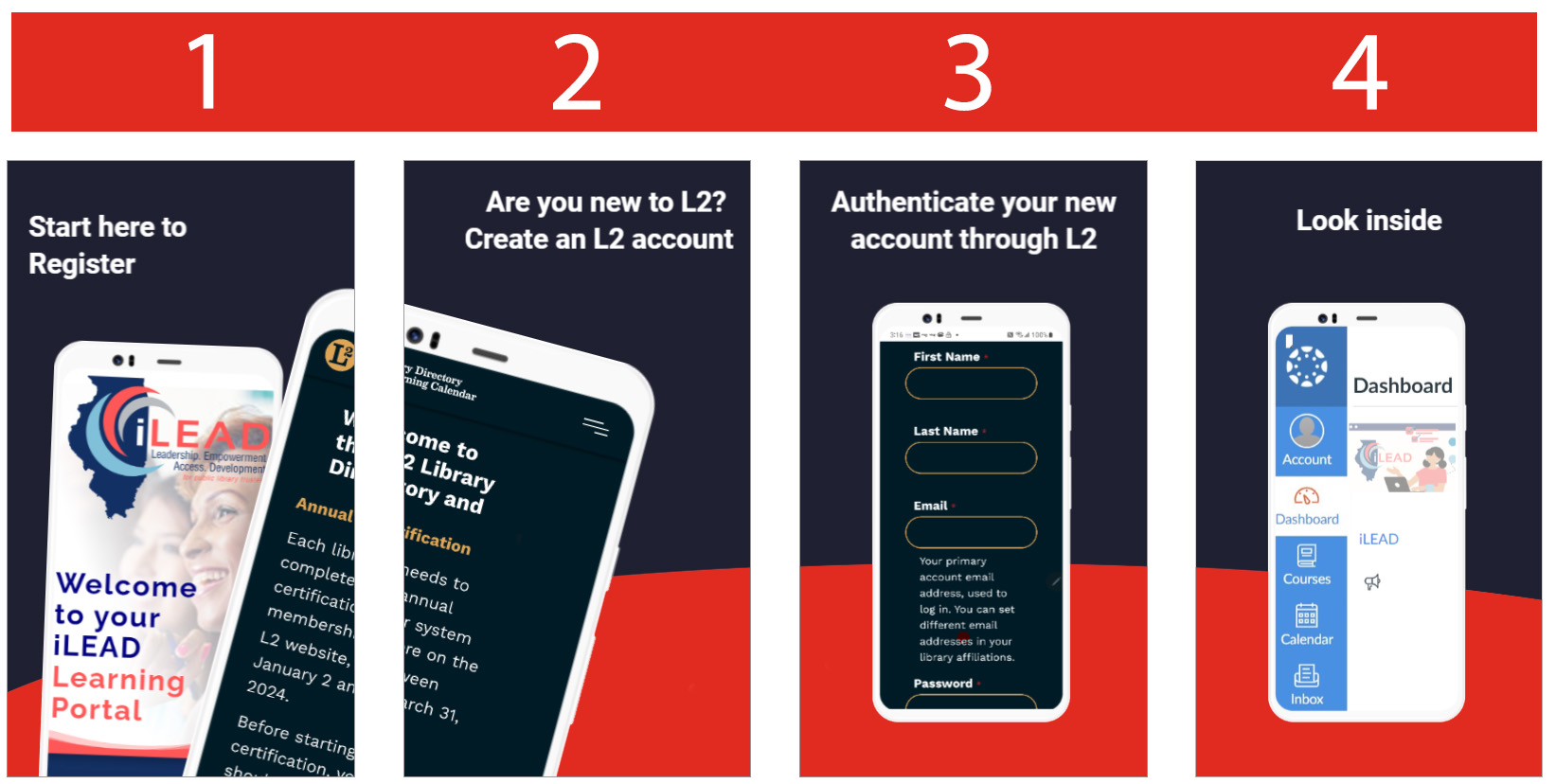
Read these steps. If you have an L2 account, click on the “Portal Login” button above.
Your browser will redirect you to L2 and prompt you to log in to your L2 account.
Enter your L2 Login Name and L2 Password.*
*If you do not have an L2 account, click Create Account.
To learn more about creating an L2 account, click here to watch How to Create an L2 Video or read Creating an L2 User Account.
Once your L2 account is authenticated, your browser will redirect you to the iLEAD Portal dashboard.
Important! Check your email after creating your account. You will be sent a link to verify your email address. Your account will automatically cancel if you do not verify your email address.
From your dashboard, click on the iLEAD course to begin.